Artificial intelligence is changing the way people create digital content. A few years ago, creating professional-looking images required photography skills, expensive software, and plenty of editing experience. Today, AI technology makes visual creation easier for beginners, designers, bloggers, and content creators. One platform attracting attention in this area is the Eternal AI Image Generator.
AI image-generation tools help users turn creative ideas into visual content through artificial intelligence. Depending on the available features, users can create characters, edit existing images, experiment with visual effects, and explore image-to-video technology. These capabilities can make the creative process faster and more flexible.
In this guide, we will explore the Eternal AI Image Generator, its important features, how AI image creation works, and what users should understand before trying it. We will also discuss realistic image generation, AI models, potential limitations, and practical ways to improve creative results.
Table of Contents
1. What Is Eternal AI Image Generator?
The Eternal AI Image Generator is associated with AI-powered visual creation and character-based image and video generation. Its technology allows users and developers to work with AI characters, custom prompts, and visual effects to produce different types of digital content.
One interesting feature is character-based generation. Instead of treating every image as a completely separate creation, users can work with character IDs to generate or edit visuals featuring a selected character.
According to its official documentation, Eternal AI supports character-based generation, preset visual effects, custom prompts, image editing, and video generation.
This type of technology can be useful for people who want to experiment with digital characters, creative scenes, and AI-generated visual content.
The platform is also relevant to developers who want to connect AI generation features with their own applications.
2. How Does Eternal AI Image Generator Work?
AI image generation works by processing information supplied by users and producing visual results based on learned patterns. These systems use machine learning models trained on large collections of visual data.
When someone enters a prompt or provides an existing image, the AI system processes the request and attempts to produce the desired result.
The general process involves several steps.
Text Prompts and Visual Instructions
A text prompt describes what the user wants to create. For example, someone might describe a fantasy character standing in a beautiful mountain landscape.
Detailed descriptions can help the AI understand the subject, background, lighting, colors, and artistic style.
AI Character Generation
Character-based technology allows users to work with particular digital characters. Eternal AI’s V2 documentation explains how character IDs can be used for image editing, video generation, and visual effects.
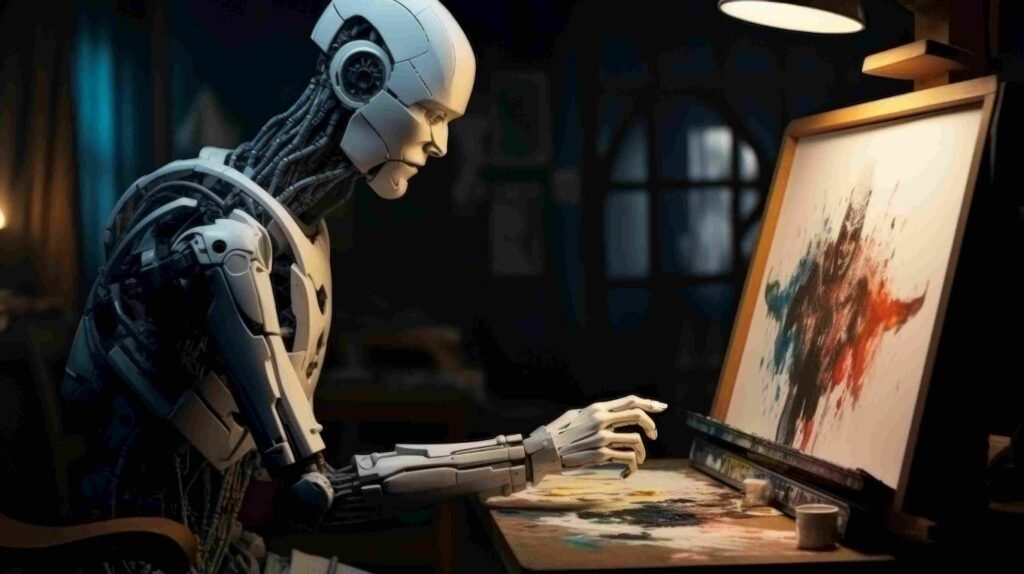
Image Editing and Transformation
AI image editing allows users to change or improve existing visual content. Depending on the selected model and available features, this may involve modifying backgrounds, appearances, or other visual elements.
Image-to-Video Technology
Image-to-video tools take a still image and use AI to create movement. Users provide an image and a description of the motion they want to see.
3. 7 Powerful Features of Eternal AI Image Generator
Understanding the available features helps users decide whether an AI platform matches their creative needs.
1. AI-Powered Visual Creation
AI technology makes it easier to explore creative ideas without manually designing every visual element.
Users can work with prompts and supported generation features to experiment with different characters and scenes.
2. Character-Based Image Generation
Character-based generation is an important part of Eternal AI’s documented technology.
Users can select or create AI characters and use character IDs when making supported image and video requests.
This approach can be helpful for creators who want to develop recognizable digital characters.
3. Custom Prompt Control
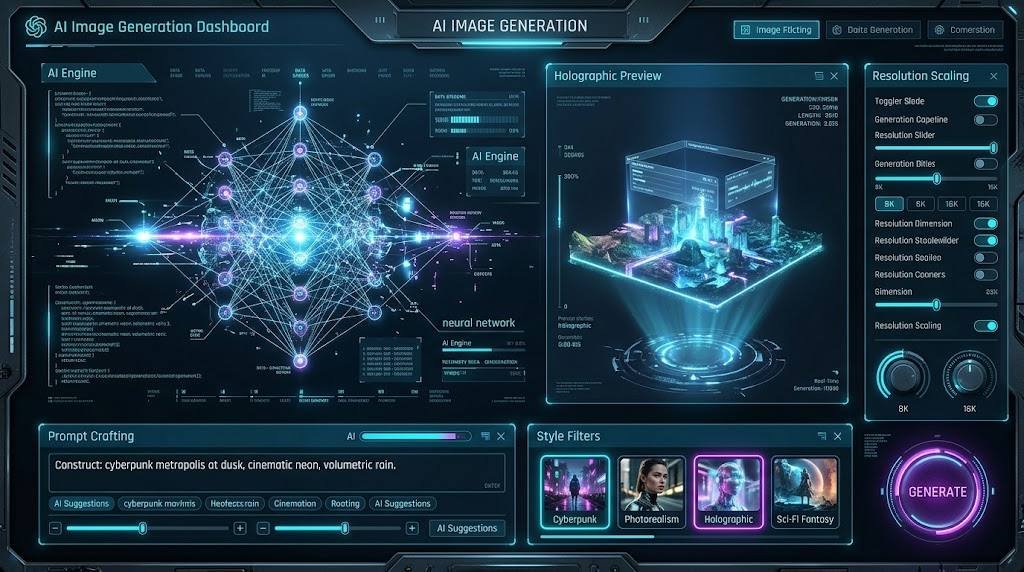
Prompts provide instructions that guide AI-generated content.
A useful prompt should describe the subject, environment, lighting, visual style, and important details.
For example, instead of writing “a beautiful landscape,” users can describe a peaceful mountain valley with green trees, morning sunlight, and a clear blue sky.
Specific instructions usually provide better creative direction.
4. Preset Visual Effects
Preset visual effects allow users to experiment with different appearances without describing every detail manually.
Eternal AI’s documentation includes support for browsing available visual effects and applying selected effects to characters.
This can help creators explore different visual styles and creative ideas.
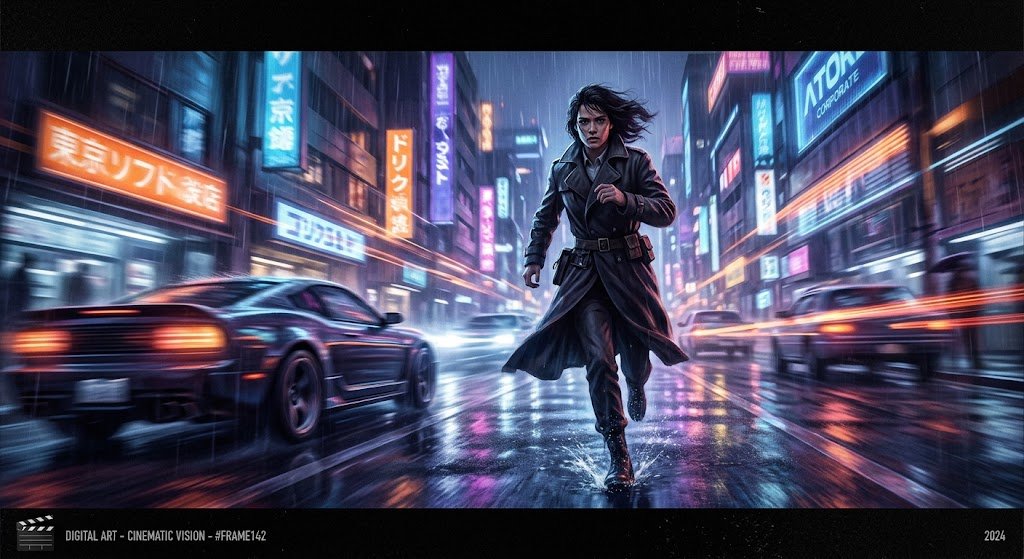
5. Image-to-Video Generation
Another interesting capability is image-to-video generation.
A still image can become a short video when an AI model interprets instructions about movement and camera behavior.
For example, a picture of a person standing near the ocean could be animated with moving waves and gentle camera movement.
6. Advanced Creative Customization
Custom prompts give users more control over the intended visual result.
Creators can describe particular movements, visual effects, and scene details supported by the selected generation model.
The final output still depends on the model’s capabilities, prompt quality, and generation settings.
7. Developer-Friendly API Support
Eternal AI also provides API documentation for developers.
Its image-to-video API supports image inputs, text prompts, model selection, duration, aspect ratio, and resolution settings.
This makes the technology useful for developers who want to integrate AI-generated videos into their own projects.
4.How to Use Eternal AI Image Generator Step by Step
Getting started with an AI generation platform becomes easier when you understand the basic workflow.
Here are some general steps to follow.
Step 1: Visit the Official Website
Start by visiting the official Eternal AI website and exploring the available tools and documentation.
Step 2: Check Available Features
Review the available image-generation, character-based, and video-generation options. Not every feature necessarily works in the same way.
Step 3: Select Your Creative Task
Decide whether you want to work with an AI character, edit an existing image, or create a video from a still image.
Step 4: Prepare Your Prompt
Write a clear description of the result you want. Include important details such as the subject, background, lighting, and visual style.
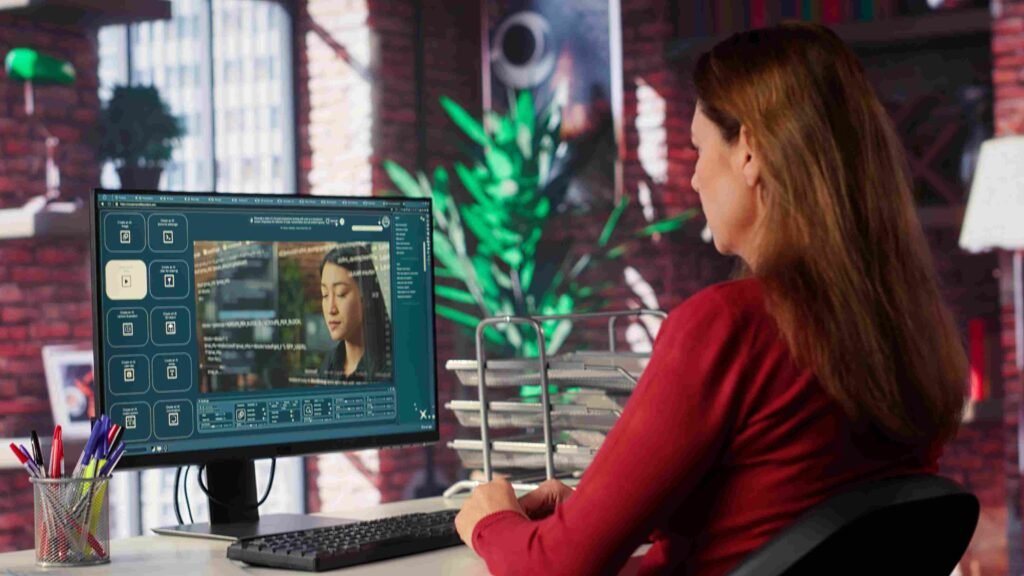
Step 5: Select Available Settings
Depending on the selected tool, you may have options for models, visual effects, aspect ratios, or resolution.
Step 6: Generate and Review Your Result
Submit your request and examine the generated content. If the result does not match your expectations, improve your prompt or adjust supported settings.
Step 7: Save Your Creation
Download or save your final result using the available options. Always check the platform’s storage and usage conditions.
5. Can You Create an Image Using AI?
Yes, AI technology makes it possible to create images from written descriptions and other visual inputs.
An image generator AI processes a user’s instructions and produces a visual result based on its trained models.
For example, imagine you want to create an illustration of a small coffee shop on a rainy evening.
You could describe the shop’s appearance, warm interior lighting, wet streets, colorful signs, and reflections on the pavement.
The AI system uses these details to understand the creative direction.
However, not every AI platform offers identical features. Some specialize in text-to-image creation, while others focus on character generation, editing, or image-to-video technology.
Before choosing a tool, check which generation methods it actually supports.
6. How to Create Realistic Images With AI
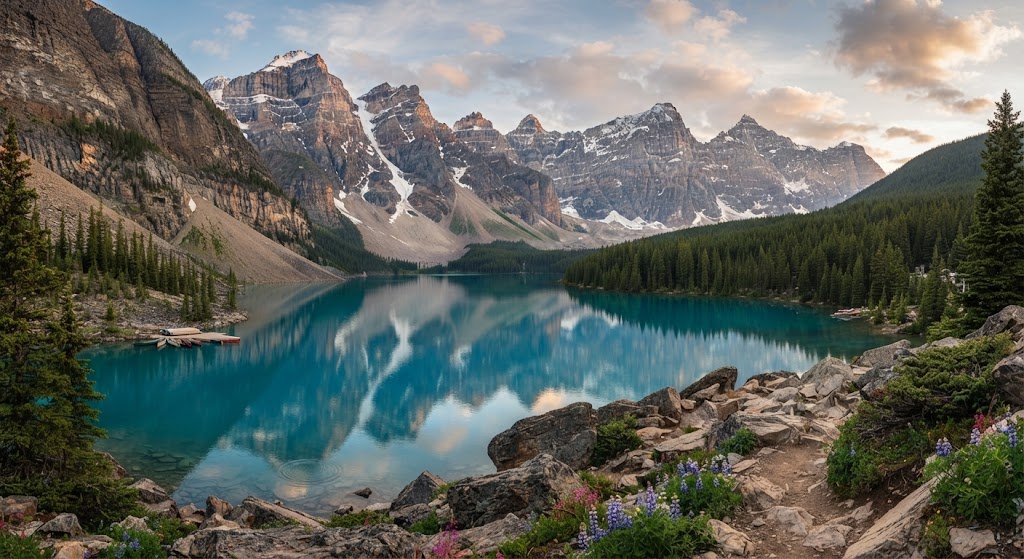
An AI realistic image generator can help creators produce visuals that resemble professional photography.
However, realistic results depend on several factors, including the selected model, image quality, and prompt instructions.
Here are some practical tips.
Use Detailed Descriptions
Explain exactly what you want to see. Mention the subject, clothing, environment, and background details.
Describe Natural Lighting
Lighting has a major effect on the appearance of an image. Words such as soft daylight, golden-hour lighting, and natural shadows can help communicate your creative vision.
Choose a Suitable Camera Style
If the selected model supports photographic instructions, describe the camera angle, framing, and depth of field.
Avoid Conflicting Instructions
A prompt containing too many unrelated ideas can make the result confusing. Keep your instructions clear and focused.
Review the Final Image
Always inspect generated images for unusual details, distorted objects, unnatural faces, and other visual errors.

7. No Restriction Image to Video AI Generator: What Should You Know?
Image-to-video technology is becoming popular because it allows users to animate still pictures.
The phrase no restriction image to video AI generator is sometimes used by people searching for flexible creative tools. However, it is important to understand that no AI platform should be assumed to offer unlimited or unrestricted generation.
Eternal AI provides documented image-to-video API functionality using the WAN 2.2 model.
The process involves providing a starting image and a text prompt describing the desired video.
The API documentation lists several settings, including:
- Image input in JPG, PNG, or WebP format.
- Video duration from one to five seconds.
- Supported resolutions of 480p, 580p, and 720p.
- Different aspect ratio options.
- Optional negative prompts.
These settings give developers control over important parts of the video-generation process.
For example, a creator could provide an image of a moving car and describe how the vehicle should travel along a road while the camera follows it.
The final result depends on the quality of the original image, prompt instructions, and selected model.
Users should also respect copyright, privacy, and applicable content restrictions when animating images.

8. Understanding AI Image Generation Models
AI image generation models are the systems responsible for creating or modifying visual content.
Different models are designed for different tasks. Some focus on generating detailed still images, while others specialize in editing or creating moving videos.
Understanding these differences helps users choose the right technology.
Text-to-Image Models
These models generate images from written descriptions. They are useful for illustrations, creative concepts, and digital artwork.
Image-to-Image Models
These systems use an existing image as a starting point for creating a modified visual result.
Image Editing Models
Editing models focus on changing particular elements of an existing image while attempting to preserve other details.
Image-to-Video Models
These models generate sequences of moving frames from an image and a text description.
It is important to understand that image and video models have different responsibilities. Image models focus on details within a single frame, while video models must also maintain visual consistency across multiple frames.
Choosing the right model depends on the type of content you want to produce.
9. Benefits of Using Eternal AI Image Generator
AI-powered visual tools offer several potential advantages for digital creators.
Saves Creative Time: AI tools can reduce the amount of manual work involved in exploring visual ideas.
Supports Character Creation: Character-based generation provides opportunities to develop digital characters and reuse them in supported workflows.
Encourages Creativity: Users can experiment with different prompts, effects, and visual concepts.
Offers Video Possibilities: Image-to-video technology makes it possible to explore animation without creating every frame manually.
Supports Developers: API access provides opportunities to integrate generation features into other applications.
These benefits can be useful for bloggers, digital artists, developers, and social media creators.
10. Limitations You Should Consider
Although AI generation technology offers exciting opportunities, it also has limitations.
First, generated images may contain visual mistakes. Faces, hands, text, and small objects can sometimes appear unnatural.
Second, results are not always consistent. The same prompt may produce different outputs depending on the model and settings.
Third, advanced generation features may require credits or paid access. Users should review the current pricing and usage conditions before spending money.
Privacy is another important consideration. Avoid uploading personal photographs or confidential information unless you understand the platform’s data policies.
Finally, copyright and commercial usage rights should be checked before publishing or selling AI-generated content.
11. Is Eternal AI Image Generator Worth Trying?
Whether this platform is worth trying depends on your creative requirements.
Eternal AI offers documented character-based generation, visual effects, custom prompts, and image-to-video functionality. Its developer documentation also provides useful information for people interested in integrating AI generation into applications.
However, users should distinguish between its documented API capabilities and the features available through any particular user interface.
If your main goal is advanced text-to-image generation, compare the available image-generation options before making a decision.
For character-based creative projects and image-to-video experiments, Eternal AI may be worth exploring.
The best approach is to test the available features, review the results, and decide whether the platform provides the quality and flexibility your projects require.
Frequently Asked Questions (FAQs)
1. What is Eternal AI Image Generator?
It is an AI-related visual generation platform associated with character-based image creation, editing, visual effects, and video-generation technology.
2. Is Eternal AI Image Generator free?
Access and pricing depend on the specific service. Check the official website for current account requirements, credits, and pricing before using paid features.
3. Can you create an image using AI?
Yes. Many AI tools can generate images from written descriptions, existing pictures, or other supported inputs.
4. Can AI generate realistic images?
Yes. Modern AI models can produce realistic-looking images, although results depend on the model, prompt, and generation settings.
5. Can AI turn an image into a video?
Yes. Image-to-video models can use a still image and text instructions to generate a short moving video.
6. What are AI image generation models?
They are machine learning systems designed to create, edit, or transform images based on text prompts and visual inputs.
7. Is Eternal AI suitable for beginners?
Beginners can explore its available creative tools, but some advanced features, particularly API-based workflows, may require technical knowledge.
Conclusion
AI image generation is creating new opportunities for people who want to produce digital artwork, develop characters, and experiment with video content. The Eternal AI Image Generator is an interesting option because its documented technology includes character-based generation, custom prompts, visual effects, and image-to-video capabilities.
Before choosing the platform, explore its available features, understand its limitations, and check the current pricing and usage policies.
With clear prompts and realistic expectations, AI tools can become useful additions to your creative workflow.