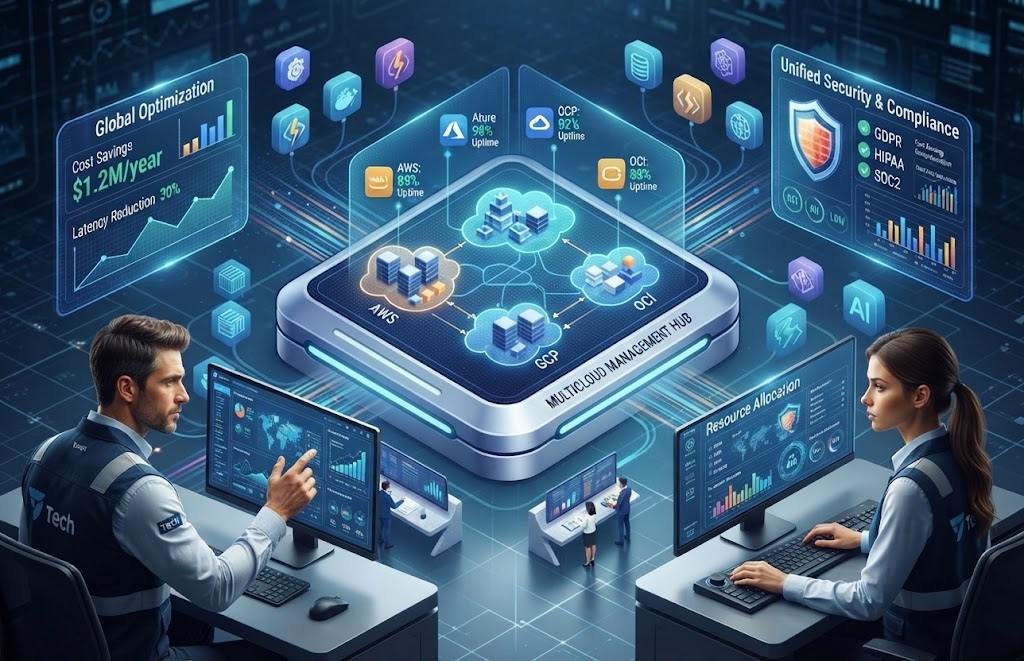
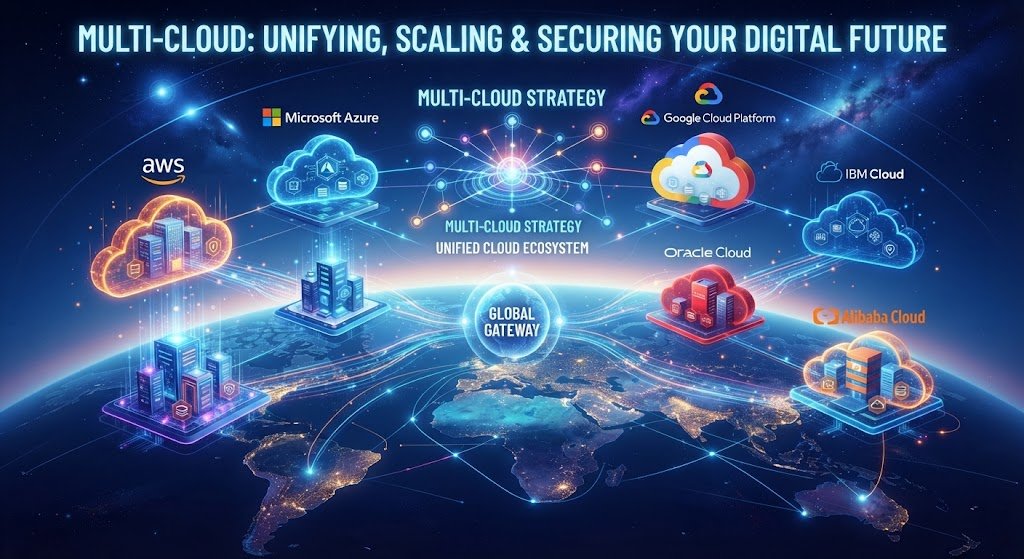
Cloud technology has become an important part of modern business. Companies use cloud platforms for websites, applications, databases, storage, analytics, communication, and many other business operations. Instead of depending on a single cloud provider, some organizations choose services from multiple providers to meet different technical and business requirements.
Using several cloud environments can provide flexibility, but it can also make daily operations more complicated. IT teams may need to manage different dashboards, security policies, billing systems, applications, and infrastructure at the same time.
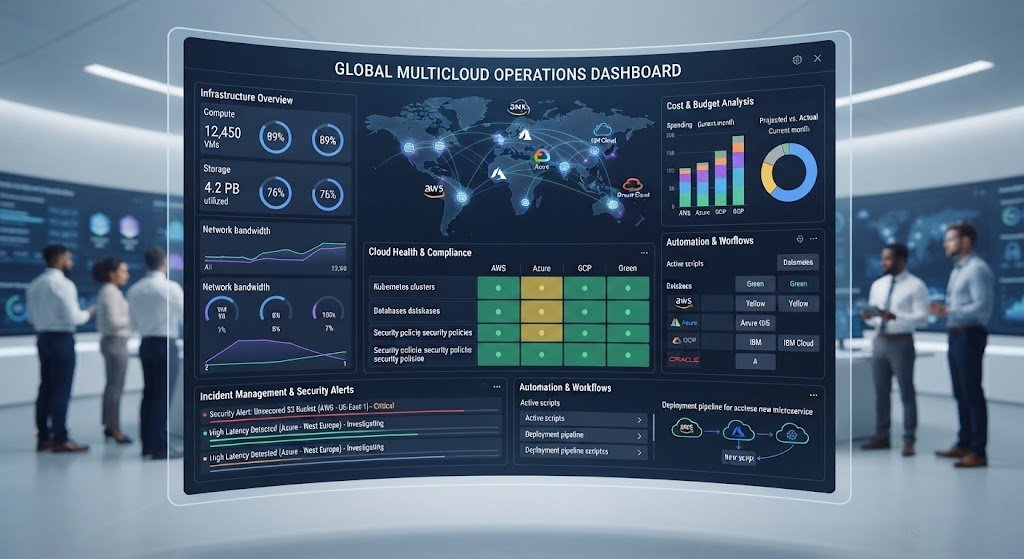
This is where Multi-Cloud Management becomes valuable. It provides a structured way to manage resources, applications, security, performance, and costs across different cloud environments.
In this guide, you will learn what multi-cloud management means, how it works, why businesses use it, its major benefits and challenges, security considerations, useful management tools, automation strategies, and practical best practices.
What Is Multi-Cloud Management?
Multi-Cloud Management is the process of managing cloud resources and services across two or more cloud providers through organized policies, tools, and processes.
For example, a business may use one cloud provider for computing, another for database services, and another for specialized analytics. Each provider can have different systems and management methods.
Without a proper strategy, managing these environments separately can become difficult. A centralized approach helps IT teams gain better visibility and control over their cloud infrastructure.
Multi-cloud management can cover several areas, including:
- Cloud resource management
- Application monitoring
- Security and access control
- Cost management
- Performance monitoring
- Automation
- Compliance and governance
- Data management
The main purpose is to make different cloud environments easier to monitor, control, and optimize.
How Does Multi-Cloud Management Work?
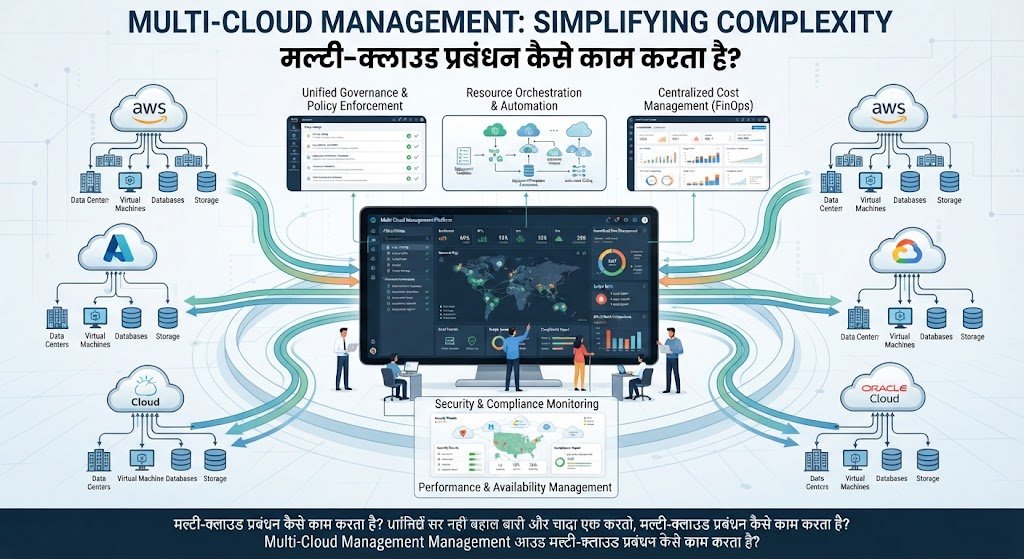
Multi-cloud management brings different cloud environments into a coordinated operational framework.
Instead of treating every cloud platform as a completely separate system, organizations can establish common policies and use compatible management tools to monitor and control their resources.
Resource Management
IT teams can monitor virtual machines, containers, databases, storage, networks, and applications across different environments.
This makes it easier to understand which resources are active and how they are being used.
Performance Monitoring
Monitoring systems can track application performance, availability, response times, resource consumption, and other important metrics.
When a problem appears, teams can investigate it more quickly instead of checking every environment manually.
Security Management
Security controls can be applied across different environments. Organizations can manage user access, permissions, authentication, network policies, and security monitoring.
Cost Management
Cloud spending can be monitored across multiple providers. Teams can identify unused resources, unexpected costs, and areas where resources may be optimized.
Automation
Automation can handle repetitive tasks such as deployment, scaling, configuration, monitoring, and resource provisioning.
These functions work together to create a more organized cloud operating environment.
Why Is Multi-Cloud Management Important?
Using multiple cloud providers can create flexibility, but it also increases the number of systems that need to be managed.
Different providers may have different interfaces, pricing structures, security controls, APIs, and monitoring systems. Without a consistent management approach, IT teams can spend more time switching between platforms and resolving configuration problems.
Multi-cloud management helps bring greater consistency to these environments.
It can give organizations a broader view of their infrastructure and help teams manage workloads, costs, security, and performance from a more organized framework.
It can also support better decision-making because teams can compare resource usage and performance across different environments.
Benefits of Multi-Cloud Management
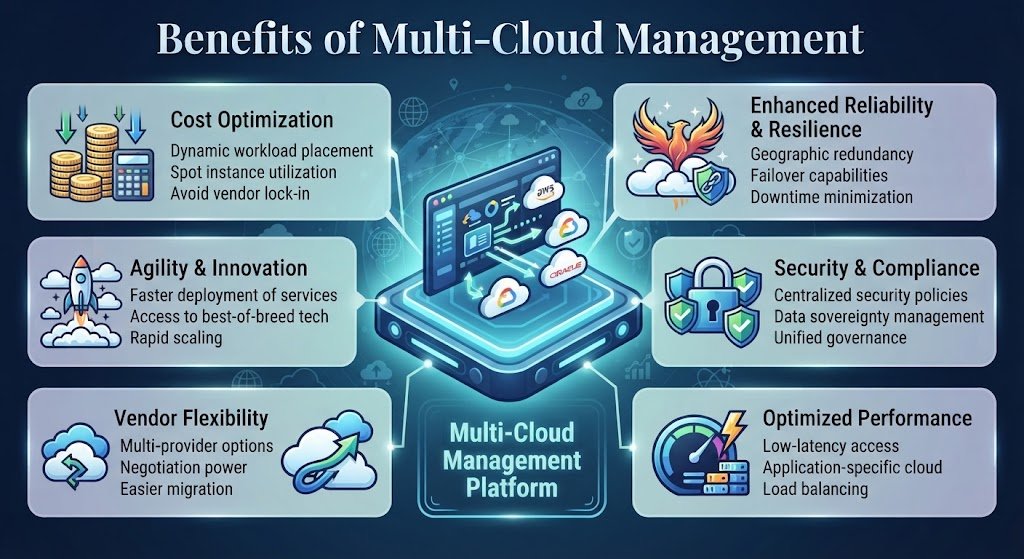
A well-designed strategy can provide several practical benefits.
1. Better Visibility
Managing several environments through organized tools can give teams a clearer view of their infrastructure.
They can monitor applications, resources, workloads, and performance from a more centralized perspective.
2. Greater Flexibility
Different cloud providers offer different services and capabilities. Organizations can select services that fit particular workloads instead of depending entirely on one platform.
3. Improved Cost Control
Cloud spending can become difficult to track when resources are distributed across different providers.
Centralized cost monitoring can help teams identify unused resources, unnecessary services, and unusual spending patterns.
4. Stronger Business Continuity
Organizations can distribute certain workloads across different environments to reduce dependence on a single provider.
However, simply using multiple providers does not automatically create reliable backup or disaster recovery. Proper architecture, testing, and recovery planning are still necessary.
5. More Efficient Automation
Automation can reduce repetitive manual tasks.
Teams can automate deployments, resource provisioning, monitoring, scaling, and routine configuration work.
6. Better Governance
Organizations can establish common rules for security, access, resource naming, compliance, and infrastructure management.
This can make governance easier when many cloud environments are involved.
Common Challenges
Although multiple cloud environments offer flexibility, they can also introduce additional complexity.
Increased Complexity
Every provider may have its own services, interfaces, APIs, terminology, and configuration methods.
IT teams need suitable skills and processes to manage these differences.
Security Management
More cloud environments can mean more accounts, permissions, networks, applications, and access points that need protection.
A poorly configured resource can create unnecessary security exposure.

Cost Visibility
Tracking spending across multiple billing systems can be difficult.
Organizations need consistent monitoring to understand where their money is being spent.
Data Movement
Moving data between cloud environments may create performance, compatibility, security, or additional cost considerations.
Skills and Training
Teams may need knowledge of multiple cloud platforms along with networking, automation, security, and infrastructure management.
Because of these challenges, organizations should develop a clear strategy before expanding their multi-cloud infrastructure.
Multi-Cloud Security
Security should be a central part of any multi-cloud strategy.
When several environments are involved, organizations need consistent security policies and strong access controls.
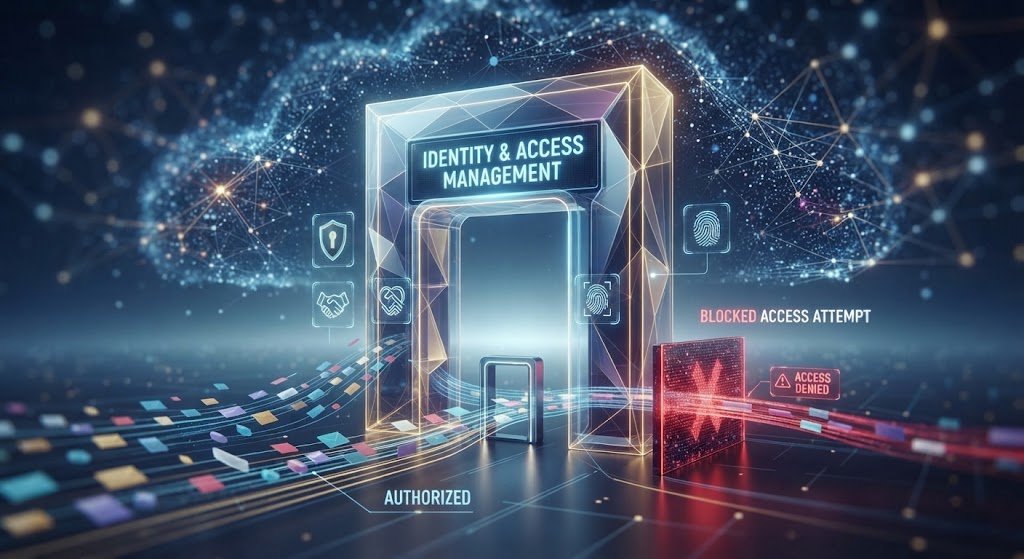
Identity and Access Management
Only authorized users and applications should have access to cloud resources.
Organizations should use strong authentication, least-privilege access, and regular permission reviews.
Data Protection
Sensitive information should be protected during storage and transmission. Encryption can help protect data from unauthorized access.
Continuous Monitoring
Security monitoring can help teams identify unusual activity, configuration problems, and potential threats.
Regular Security Audits
Cloud environments should be reviewed regularly.
Teams can check permissions, inactive accounts, security configurations, exposed resources, and other potential weaknesses.
Consistent Security Policies
Security rules should be applied consistently across cloud environments wherever practical.
This can reduce differences in security practices between platforms.
Multi-Cloud Management Tools
Organizations can choose from different categories of tools depending on their infrastructure and requirements.
Common categories include:
- Cloud monitoring platforms
- Infrastructure automation tools
- Cloud cost management solutions
- Security management platforms
- Container management tools
- Infrastructure-as-code solutions
- Logging and observability platforms
- Governance and compliance tools
When selecting a tool, organizations should consider compatibility, security, scalability, automation, reporting, integrations, and total cost.
The best choice depends on the organization’s existing infrastructure and technical requirements.
A tool should simplify management rather than add another unnecessary layer of complexity.
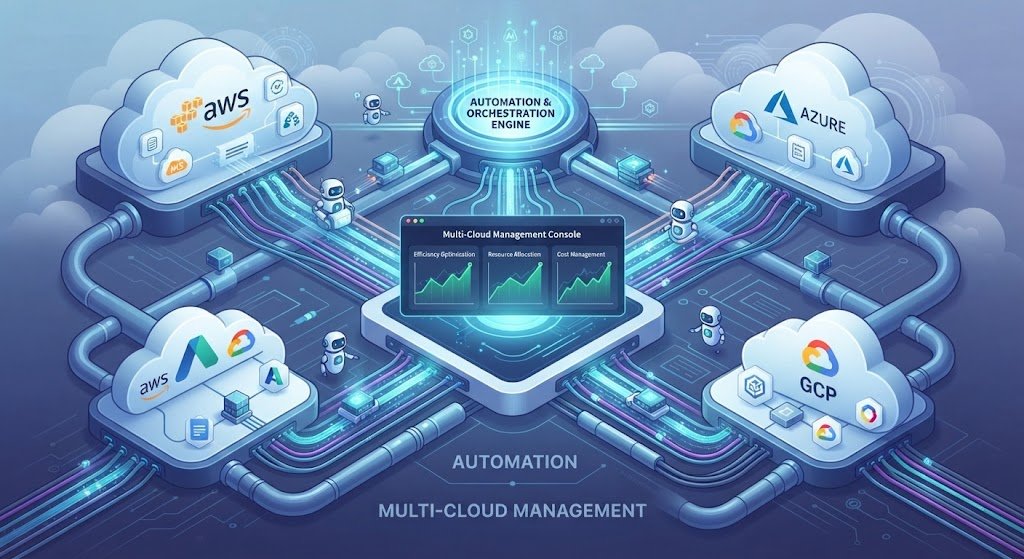
Automation and Multi-Cloud Management
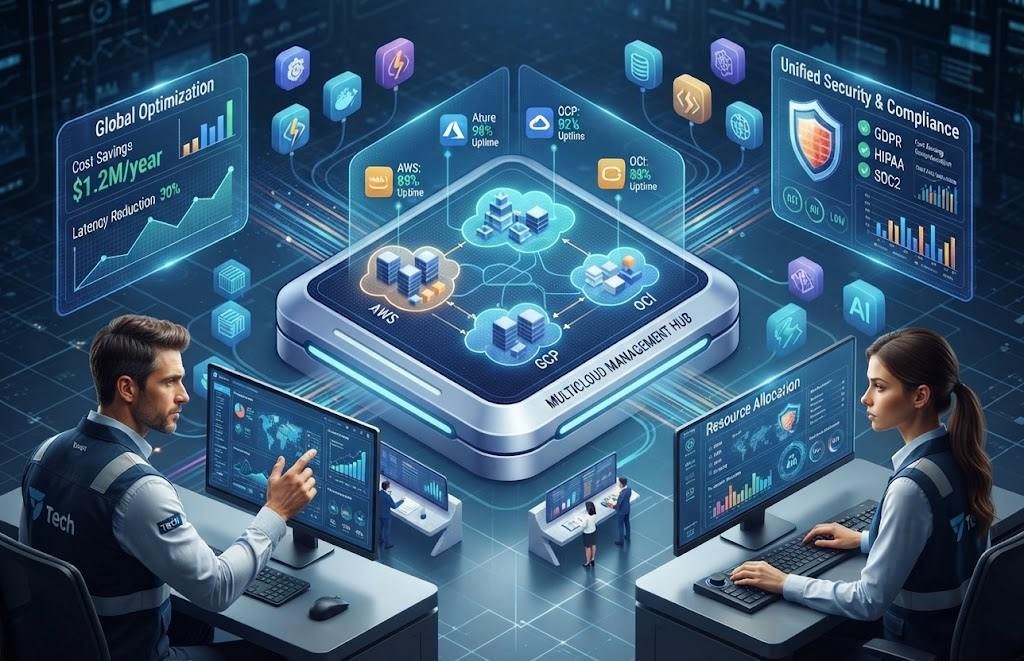
Automation is an important part of modern cloud operations.
When teams manage several environments manually, repetitive tasks can consume significant time and may increase the possibility of configuration mistakes.
Automation can support tasks such as:
- Application deployment
- Resource provisioning
- Workload scaling
- Configuration management
- Backup processes
- Monitoring
- Cost alerts
- Security checks
- Reporting
Infrastructure-as-code can also help teams create repeatable infrastructure configurations.
Instead of manually creating every resource, teams can define infrastructure through configuration files and apply those configurations consistently.
Automation does not remove the need for human oversight. Organizations still need to review policies, monitor systems, and test automated processes.
Best Practices
Organizations can follow several practical practices to manage multiple cloud environments more effectively.
Create a Clear Cloud Strategy
Before adding another cloud provider, identify the reason for using it.
Every environment should have a clear business or technical purpose.
Standardize Naming and Tagging
Use consistent naming and tagging policies across environments.
This can make resources easier to identify and improve cost tracking.
Centralize Monitoring
Use centralized monitoring where practical so teams can see important information without checking every environment separately.
Review Cloud Costs Regularly
Monitor spending frequently and investigate unexpected increases.
Unused resources should be identified and removed or optimized when appropriate.
Strengthen Access Controls
Use strong authentication, least-privilege permissions, and regular access reviews.
Automate Repetitive Work
Automate suitable deployment, monitoring, configuration, and maintenance tasks.
Maintain Documentation
Keep documentation for cloud architecture, applications, security policies, dependencies, and recovery procedures.
Good documentation helps teams understand how different environments work together.
Test Disaster Recovery
Do not assume that having multiple cloud providers automatically protects business operations.
Recovery procedures should be tested regularly to make sure they work when needed.
Multi-Cloud vs Hybrid Cloud
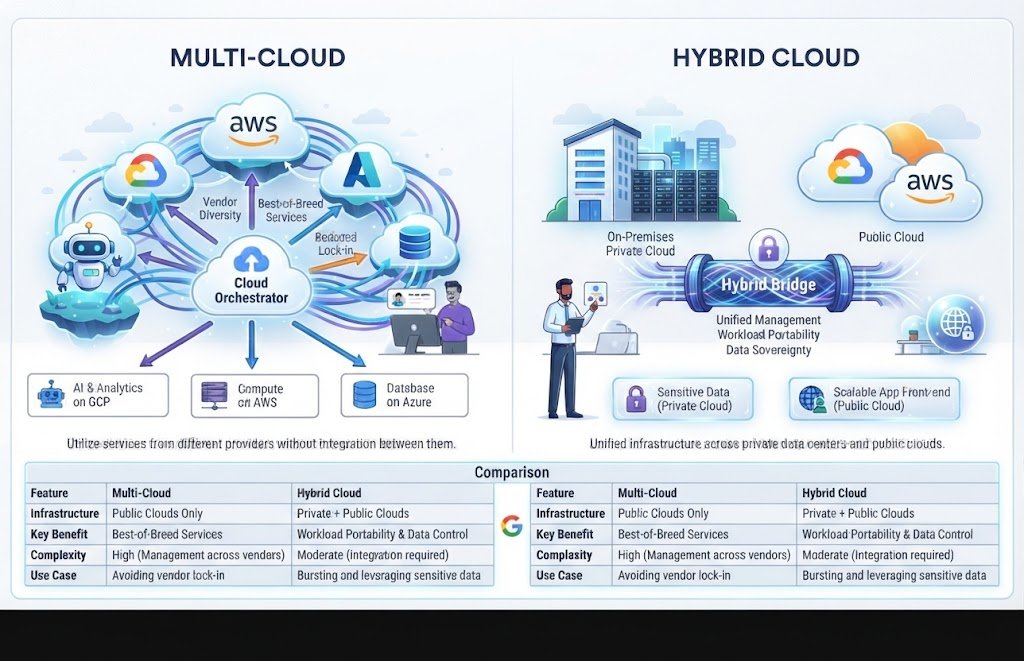
Multi-cloud and hybrid cloud are related concepts, but they are not the same.
Multi-cloud generally means using services from multiple cloud providers. For example, an organization may use services from two public cloud providers for different workloads.
Hybrid cloud generally combines private infrastructure with public cloud services.
An organization can use both approaches at the same time. For example, a company could maintain private infrastructure while also using services from two different public cloud providers.
The important difference is that multi-cloud focuses on multiple cloud providers, while hybrid cloud focuses on combining private and public environments.
Future of Multi-Cloud Management
Cloud environments continue to evolve as organizations adopt containers, artificial intelligence, automation, edge computing, and other technologies.
As infrastructure becomes more distributed, organizations will need better visibility and stronger management processes.
Future management platforms may provide improved automation, cost optimization, security monitoring, and cross-cloud visibility.
AI-based tools may also help teams analyze resource usage, identify unusual activity, and suggest optimization opportunities.
However, automated systems will still require appropriate human oversight. Organizations need clear policies and controls to make sure automation supports their business and security requirements.
The future of cloud management is likely to involve greater automation while maintaining visibility, governance, and control.
Frequently Asked Questions
What is Multi-Cloud Management?
Multi-cloud management is the process of managing resources, applications, security, performance, and costs across multiple cloud providers.
Why do businesses use multiple cloud providers?
Businesses may use multiple providers for flexibility, specialized services, workload requirements, business continuity, or specific technical needs.
Is Multi-Cloud Management difficult?
It can become complex because providers use different tools, services, interfaces, security settings, and billing systems. Proper planning and suitable management tools can help reduce this complexity.
Does using multiple clouds improve security?
Not automatically. Security depends on architecture, access controls, monitoring, configuration, and organizational security practices.
Can multi-cloud reduce costs?
It can provide opportunities for cost optimization, but using multiple providers does not automatically reduce expenses. Organizations need regular cost monitoring and resource optimization.
What role does automation play?
Automation reduces repetitive manual work and can help organizations apply consistent processes across different environments.
Conclusion
Multi-Cloud Management provides a structured way for organizations to manage resources, applications, security, performance, and costs across multiple cloud environments.
Using several cloud providers can provide flexibility, but it also introduces additional complexity. Organizations need clear governance, strong security, centralized monitoring, cost visibility, automation, and good documentation to manage these environments effectively.
A successful approach starts with understanding why each cloud environment is needed and then creating consistent processes around security, resource management, monitoring, and automation.
When properly planned, multi-cloud management can help organizations maintain better visibility and control while making effective use of different cloud services.